Introduction#
It's been a long time since I last updated my blog. Recently, I've been at home due to a broken bone and I have nothing to do~~ I'm too lazy to move~~, so I'll update my blog with some random stuff, haha.
Environment Preparation#
These are the environment requirements provided by the Miao-Yunzai repository.
Environment Preparation: Windows or Linux, Node.js (at least version v16 or above), Redis
But, let's take a look at the Redis documentation. Its Windows installation tutorial is actually completed under WSL. So, it's not recommended to tinker with Windows, let's play with a Linux machine instead.
I'm using a 2c2g Alibaba Cloud server here, and all the following steps will be demonstrated using the Ubuntu 20.04 system.
Since I installed everything on a mainland server by default, the installation steps that follow will try to use mainland mirror sources as much as possible~~ (I hope no one really wants to log in to QQ on an overseas machine)~~
Dependency Installation#
Log in to the server using SSH and execute the following commands.
Then install node.js. Remember not to install it directly using apt, because the version built into apt is too old.
Here, I installed version v18.15.0-lts, but you can install a different version if you want.
Then, make sure that node.js is installed correctly.
Next, install pnpm.
Installation and Execution#
- Clone the repository.
- Install dependencies.
This step may take some time, so please be patient and relax (lol).
- Run the application.
Then, log in to your account according to the prompt.
Troubleshooting#
-
If you encounter the issue of puppeteer Chromium failing to start.
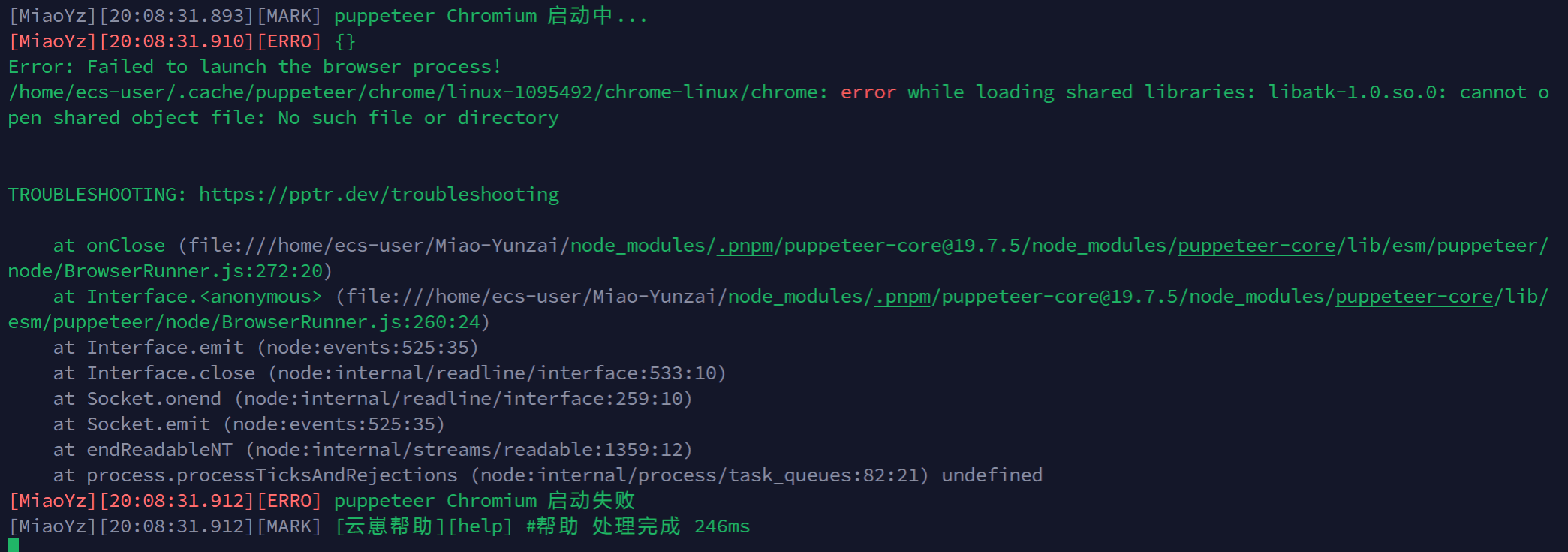
Try executing the following command.
- Garbled characters in the generated image.
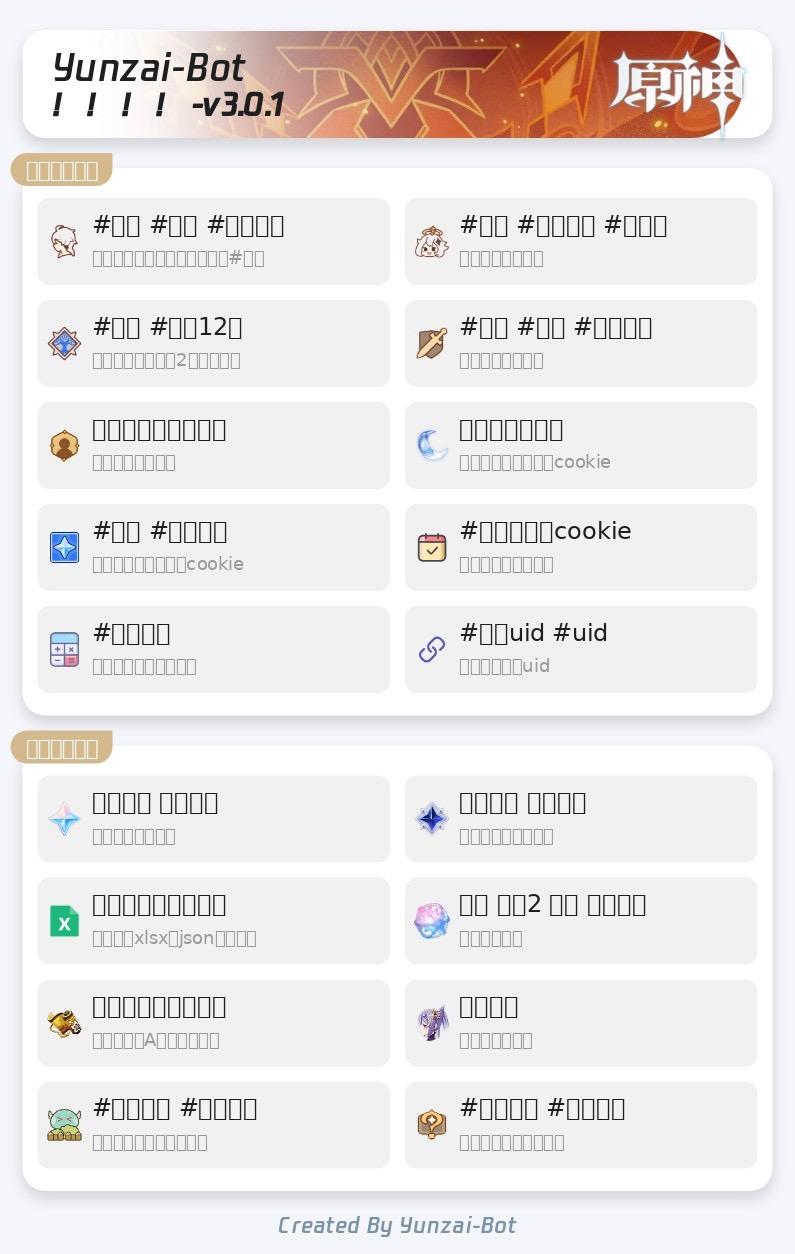
Then, upload all the fonts in your computer's C:\Windows\Fonts directory to /usr/share/fonts.
Finally, update the font library.
References#
- yoimiya-kokomi/Miao-Yunzai: Miao version of Yunzai-V3 (github.com)
- Linux installation of Chinese fonts - Invincible Cactus - Blog Garden (cnblogs.com)
This article is synchronized and updated to xLog by Mix Space.
The original link is https://bdovo.cc/posts/experiences/Install_Yunzai-bot